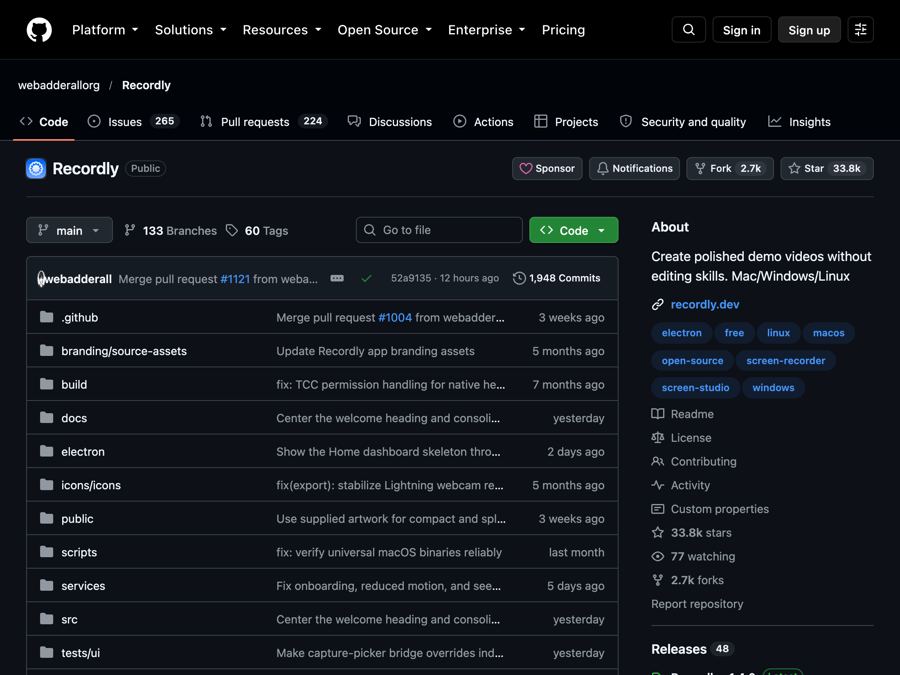
Recordly: make polished screen recordings and demos for free
Recordly is a free screen recorder and editor that adds automatic zooms, a smooth cursor, webcam bubbles and styled backgrounds to your videos.
The problem it solves
You record your screen to show how something works. Then you watch it back. The cursor jumps around. The text is tiny. Nobody can tell where to look.
Making it look good usually means hours of editing, paying a video editor, or a monthly fee for a fancy recording app. For a quick tutorial or a sales demo, that is a lot.
What it is
Recordly is a free, open-source desktop app for recording and editing screen videos. Open source means anyone can read the code that runs it.
It records your screen, then opens an editor that adds the polish for you. It can zoom in where you are working, smooth out your cursor, put your webcam in a little bubble, and place the whole video on a nice background. The README says it handles this in one place, so you don't need to send raw footage to a motion designer.
Who it's for
- Teachers and trainers making how-to videos.
- Marketers and founders making product demos.
- Customer support teams recording quick walkthroughs.
- Course creators and YouTubers.
- Anyone who needs to show "click here, then here" clearly.
What you can do with it
Recording
- Record your whole screen or just one app window.
- Capture your microphone and your computer's sound.
- Jump straight from recording into the editor.
Editing
- Drag-and-drop timeline editing.
- Trim out the boring bits.
- Add zooms by hand, or use automatic zoom suggestions based on your cursor.
- Speed up or slow down parts of the video.
- Add text, images and shapes on top.
- Add extra audio, and crop the frame.
- Save your project and reopen it later.
Cursor polish
- Make the cursor bigger, smoother, or add a little bounce when you click.
- Add motion blur and a Mac-style cursor look.
Webcam bubble
- Show your face in a bubble you can move, resize, round and mirror.
- Let the bubble react to zooms so the video stays balanced.
Backgrounds and frames
- Built-in wallpapers, your own images, solid colors or gradients.
- Padding, rounded corners, blur and drop shadows.
- Size presets for different video shapes.
Export
- Save as MP4 video or as a GIF (a short looping animation).
- Choose quality and size.
Extensions
- Add community-made extras from the Recordly Marketplace, like click sounds, device frames and browser mockups.
How to start, step by step
What you need first: a Mac with macOS 14 (Sonoma) or newer, a Windows 10 PC (build 19041 from May 2020 or newer), or a modern Linux computer.
- Go to the Recordly Releases page on GitHub.
- Download the version for your computer and install it.
- Open Recordly.
- Pick a screen or a window to record.
- Choose your microphone and system sound options.
- Click record and do your demo.
- Stop recording. The editor opens on its own.
- Add zooms, trims and a background, then export as MP4 or GIF.
Good to know
- It is free. The README describes it as free. There is an optional Ko-fi page if you want to tip the maker.
- Linux limits. On Linux, Recordly can't hide your real cursor yet. If you also turn on the styled cursor, you may see two cursors. Computer sound on Linux usually needs a system part called PipeWire.
- Older Windows. On Windows builds older than 19041, recording may still work, but your real cursor might show in the video.
- Mac sound. Recording sound on a Mac needs macOS 14 or newer.
- Mac warning. If you build the app yourself, your Mac may block it at first. The README gives a fix. If you download the ready-made version, you can skip this.
- License: AGPL-3.0. You are free to use it and change it. If you share a changed version, or run one as an online service, you must share your code too.
The bottom line
Recordly turns plain screen recordings into clean, easy-to-follow videos without a subscription. Automatic zooms, a smooth cursor and a webcam bubble do most of the work for you. If you make tutorials or demos, it can save hours.
Get it: github.com/webadderallorg/Recordly
Keep reading

PureMac: free up space on your Mac without a subscription
PureMac is a free, open-source Mac cleaner that removes junk, fully uninstalls apps, and never tracks you or tries to scare you.
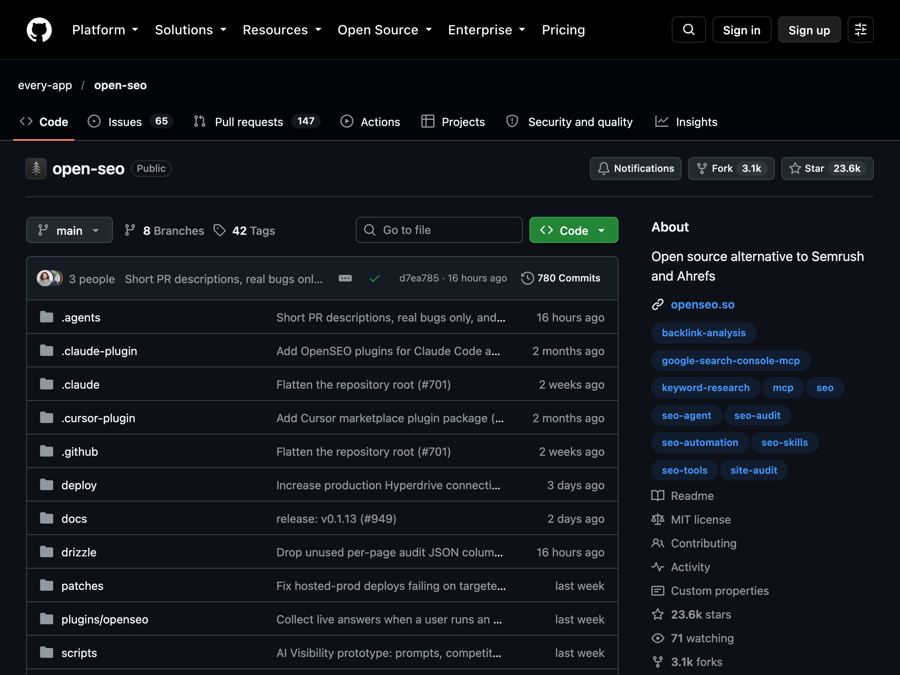
OpenSEO: get found on Google without a big monthly SEO bill
OpenSEO is an open-source alternative to Semrush and Ahrefs for keyword research, rank tracking and site audits, where you pay only for what you use.
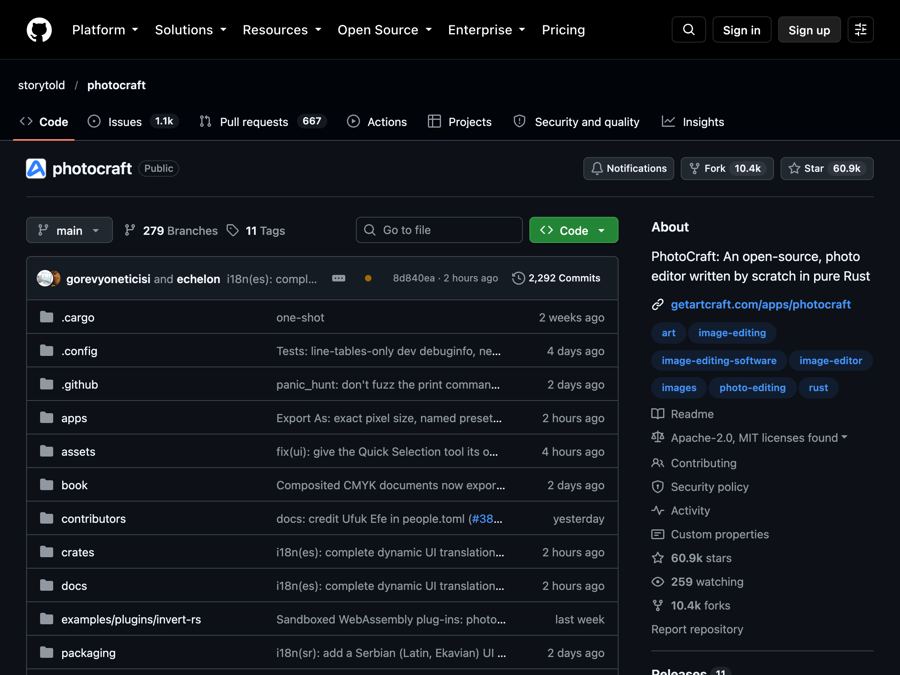
PhotoCraft: a free Photoshop-style editor that opens real PSD files
PhotoCraft is a free, open-source photo editor that works like Photoshop, opens and saves real PSD files, and runs offline on your computer.