PhotoCraft: a free Photoshop-style editor that opens real PSD files
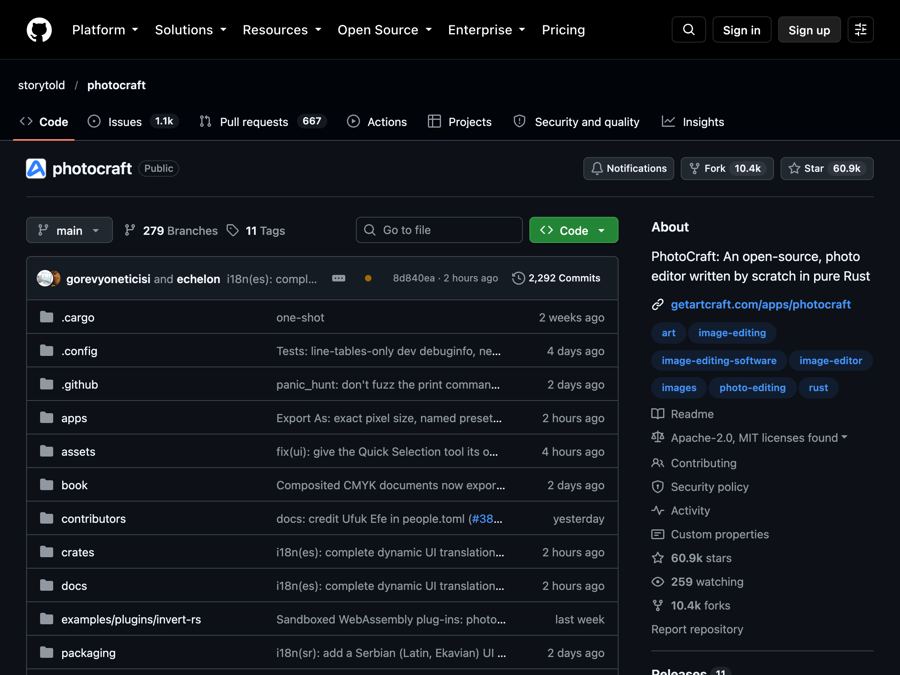
PhotoCraft is a free, open-source photo editor that works like Photoshop, opens and saves real PSD files, and runs offline on your computer.
The problem it solves
You need to fix a photo, make a social graphic, or edit a file a designer sent you. The file ends in .psd. That is Photoshop's own project format. To open it properly, most people pay Adobe every single month.
For a freelancer, a small shop owner, or a student, that bill adds up. And the free editors you find often can't open a layered PSD the right way.
What it is
PhotoCraft is a free, open-source image editor. Open source means anyone can read the code that runs it. Its makers describe it as a "clean-room" rebuild of Photoshop. That means they built it from public information only, with no Adobe code.
The menus, shortcuts, panels and tools sit where Photoshop users expect them. The README puts it simply: if you know Photoshop, you already know PhotoCraft. It runs on your own computer, works offline, and needs no account.
It comes from the ArtCraft team, which makes a family of free creative apps.
Who it's for
- Freelance designers who get PSD files from clients.
- Social media managers making posts and banners.
- Photographers who want layers and masks without a subscription.
- Small business owners editing product photos.
- Students learning photo editing on a budget.
- Anyone who has used Photoshop before and wants something familiar.
What you can do with it
- Open and save real PSD files. Layers, styles and type come through. In the makers' tests, re-saving kept the same look for 307 of 309 test files.
- Use layers properly. Groups, masks (a way to hide part of a layer), blend modes, and smart objects.
- Edit without losing your original. 16 adjustment layers, like Curves, Levels and Vibrance, keep every change undoable.
- Add layer styles. Drop shadows, glows, strokes, bevels and overlays, even on text.
- Select tricky things. Lassos and the Magic Wand, plus Select Subject and Object Selection that trace for you. This smart selection runs on your own machine, not in the cloud.
- Work with text. Edit headlines and paragraphs right on the image, with full font and spacing controls.
- Draw shapes and paths. Pen tools, rectangles, polygons and more.
- Apply filters with a live preview. Many blurs, sharpening, noise reduction, twirls, waves and more.
- Paint with a real brush engine. It responds to pen pressure and tilt.
- Open many file types. PNG, JPEG, TIFF, WebP, GIF, SVG, iPhone HEIC photos (read only), and files from Krita, GIMP, Paint.NET and Affinity (Affinity is read only).
- Export easily. Pick format, quality and size, and see the file size before you save.
- Pick a theme. Dark, light, or a classic look.
How to start, step by step
You need a Mac, Windows or Linux computer. No account is needed.
- Go to the PhotoCraft page on getartcraft.com. The README says this is the easiest way to install it.
- Download the version for your computer. On Windows, you get a signed installer. On Mac, you get a signed app file that works on both Apple chips and Intel.
- Install it like any other app.
- Open PhotoCraft and open a photo or PSD file to start editing.
Want a specific build? Every version is also on the GitHub Releases page. Linux users can pick an AppImage (runs without installing), a .deb, an .rpm, a Flatpak, or a plain archive. There is also a version that runs in a web browser.
Good to know
- It is early. The makers call it "early alpha." They say plainly it is not yet a Photoshop replacement for daily professional work. Expect rough edges.
- What is missing. The biggest gaps they list are AI and generative features, 15 tools, deeper typography, pro workflows, and Photoshop plug-ins.
- PSD files are not copied byte for byte. Re-saved files look the same in tests, but PhotoCraft rewrites parts of the file inside.
- Linux drag and drop. On some newer Linux setups (called Wayland), dragging files onto the window does not work yet. Use File, then Open instead.
- It is free. No subscription is mentioned anywhere in the README.
- For tech-savvy users. Every action can also be run by scripts or AI helpers. You can ignore this if you just want to edit photos.
- License. The README says you can pick MIT or Apache-2.0. Both mean you are free to use it, change it, and even use it in a business. Just keep the license notice. The ArtCraft name and logo are trademarks and are not covered.
- Not made by Adobe. It is an independent project.
The bottom line
PhotoCraft gives you a familiar Photoshop-style editor and real PSD support for free, offline, on any major computer. It is still early, so keep a backup plan for big paid jobs. For everyday edits and opening client files, it is well worth a try.
Get it: github.com/storytold/photocraft
Keep reading

PureMac: free up space on your Mac without a subscription
PureMac is a free, open-source Mac cleaner that removes junk, fully uninstalls apps, and never tracks you or tries to scare you.
Recordly: make polished screen recordings and demos for free
Recordly is a free screen recorder and editor that adds automatic zooms, a smooth cursor, webcam bubbles and styled backgrounds to your videos.
OpenSEO: get found on Google without a big monthly SEO bill
OpenSEO is an open-source alternative to Semrush and Ahrefs for keyword research, rank tracking and site audits, where you pay only for what you use.