DBX: one small free app to open and edit 100+ kinds of databases
DBX is a free, tiny app that lets you browse, search and edit over 100 kinds of databases, with an AI helper that writes queries for you.

The problem it solves
Almost every app and website keeps its information in a database. Think of a database as a giant, super-organized spreadsheet that a program reads and writes.
If you work with data, you often need to peek inside. Maybe to check an order, fix a customer's email, or pull a quick report. But there are many kinds of databases, and each one tends to come with its own tool. Some of those tools are big and slow. Some charge a fee. And to ask a database a question, you usually need SQL, the special language databases speak.
What it is
DBX is a free, open-source app for working with databases. Open source means anyone can read the code that runs it.
It connects to more than 100 kinds of databases from one place. The README says the whole app is about 25 MB, which is very small. It does not need extra software like Java to run.
It also has a built-in AI helper. You describe what you want in plain words, and it writes the SQL for you.
Who it's for
- Developers who juggle many different databases.
- Data analysts who pull numbers and reports.
- Founders and small teams running their own app or website.
- Support or operations staff who need to look up or fix records.
- Students learning how databases work.
Be honest with yourself here: this is a tool for people who already work with databases, or are learning to.
What you can do with it
- Connect to 100+ databases. Popular ones like MySQL, PostgreSQL, SQLite, Redis, MongoDB, SQL Server and Oracle, plus many more.
- Ask AI for SQL. Describe what you want and get a query back. It can also explain, improve or fix queries, and it checks AI-written SQL for safety before running it. It works with Claude, OpenAI, or AI models on your own computer.
- Write queries comfortably. A query editor with color highlighting, auto-complete, history and saved snippets.
- Browse and edit data like a spreadsheet. Filter, sort, search and edit right in the table. It shows you the change before saving.
- Export your data. Copy or save as CSV, JSON, Excel and more.
- See how tables connect. Draw a diagram of how your tables relate to each other.
- Compare things. Compare the structure or the data of two databases.
- Move data around. Import from CSV or Excel, move data between databases, or back up a full database.
- Preview files fast. Drag in a CSV, JSON or Parquet file to see what is inside.
- Bring your old setup. Import saved connections from DBeaver or Navicat.
- Stay safe. It asks before risky actions, supports secure tunnels (SSH), and encrypts saved passwords.
- Add plugins. Extra tools from a built-in store, checked before install.
- Use it your way. Dark mode, 9 editor themes, and English, Chinese or Spanish.
How to start, step by step
What you need first: a Mac, Windows or Linux computer, and the login details for a database you want to open.
- Go to the DBX Releases page on GitHub and download the latest version for your computer.
- Install it and open it.
- Add a new connection. Type in your database details, like the address, user name and password.
- Browse your tables, or ask the AI helper to write a query for you.
If you use Homebrew (a free app installer for Mac), you can install it with one line in Terminal:
brew install --cask dbx
On Windows, you can also use WinGet:
winget install t8y2.dbx
There is also a web version you can run with Docker (a tool that runs apps in neat boxes) if your team wants to use it from a browser.
Good to know
- The app is free. The AI helper needs an AI service. If you connect a paid one like Claude or OpenAI, that service may charge you. AI models on your own computer avoid that.
- Your passwords are encrypted. On desktop, DBX stores saved logins in your computer's secure password store.
- Be careful with real data. Editing a live database changes real records. DBX asks before risky actions, but double-check anyway.
- For AI coding tools. A separate add-on lets AI coding assistants use your database connections. You can set it to read only, so the AI can look but not change anything.
- Donations welcome. The makers accept voluntary donations to keep it going.
- License: Apache-2.0. You are free to use it, change it, and even use it in a business. Just keep the license notice.
The bottom line
DBX puts more than 100 kinds of databases into one small, free app. The AI helper makes it easier to get answers without writing every query by hand. If you work with data often, it can replace several tools at once.
Get it: github.com/t8y2/dbx
Keep reading

PureMac: free up space on your Mac without a subscription
PureMac is a free, open-source Mac cleaner that removes junk, fully uninstalls apps, and never tracks you or tries to scare you.

Strata: run a big, private AI chatbot on your own gaming PC
A free one-click installer that runs a large Qwen AI model on a normal gaming PC, so your chats never leave your computer.
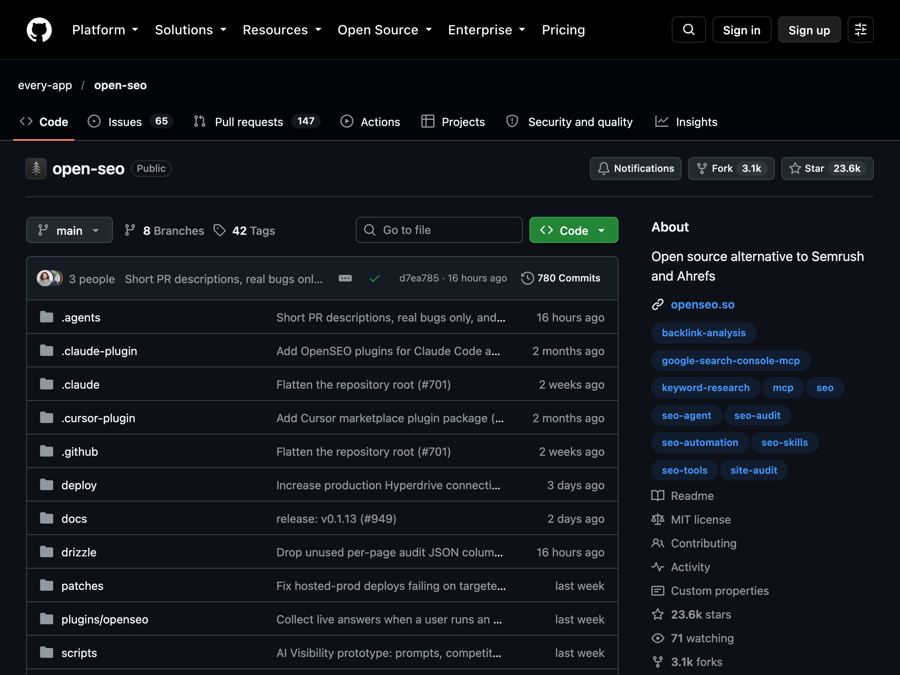
OpenSEO: get found on Google without a big monthly SEO bill
OpenSEO is an open-source alternative to Semrush and Ahrefs for keyword research, rank tracking and site audits, where you pay only for what you use.