Strata: run a big, private AI chatbot on your own gaming PC
A free one-click installer that runs a large Qwen AI model on a normal gaming PC, so your chats never leave your computer.

The problem it solves
Smart AI chatbots usually live on someone else's computer. You pay every month. Your questions, files and ideas travel over the internet to a company's servers.
For many people that's fine. But if you handle private work, or you just don't like paying forever, it's a problem.
Running a big AI model at home has always sounded hard. People assume you need a giant, expensive server. Strata says a normal gaming PC can do it.
What it is
Strata is a free, open-source installer. It sets up and runs a large AI model called Qwen3.8-Flash-Next on your own PC. The README describes it as a 125-billion-parameter model. Parameters are the "brain cells" of an AI model, so more usually means smarter.
It chats, writes code, reads pictures, and works with your apps and coding helpers. Nothing leaves your PC.
The installer checks your computer and recommends the right model size. You mostly just press Enter.
Who it's for
- Privacy-minded people who don't want their chats on a company's server.
- Gamers who already own a strong graphics card.
- Developers who want a local AI for coding helpers.
- Writers, researchers and small businesses working with private documents.
- Anyone tired of AI subscriptions who has the right hardware.
What you can do with it
- Chat in your browser at
http://127.0.0.1:8080, with Chat, a live Monitor of your graphics card and memory, and settings. - Read pictures. Say yes to "Images?" during setup, then attach a picture.
- Write code. There's a special "Coder" version made for programming.
- Choose how hard it thinks. Pick off, low, medium or high. Off is fastest; high is best for hard questions.
- Connect your apps. Point any app that supports OpenAI-style or Anthropic-style connections at your own PC instead of the cloud.
- Pick a size for your machine. Smaller sizes are faster; bigger sizes are a bit smarter.
- Use it from your phone or another PC on your network, with a secret key you set.
- Let your AI helper install it. If you use Claude Code, Cursor, Codex or Copilot, you can paste one line and it does the setup for you.
How fast? The team measured it on an RTX 5070 (12 GB) gaming PC with 64 GB of memory. The fastest size wrote about 94 tokens per second. A token is about three quarters of a word, so that's faster than you can read.
How to start, step by step
What you need first:
- An NVIDIA RTX 20, 30, 40 or 50 series card, or a supported AMD Radeon card, with 12 GB of video memory or more.
- 32 GB of RAM or more (64 GB runs every size).
- About 80 GB of free disk space, ideally on an SSD (a fast storage drive).
- Windows 10 or 11, or Linux, with an up-to-date graphics driver.
Steps:
- Download Strata from the GitHub page (the green "Code" button, then "Download ZIP") and unzip it.
- Start it. On Windows, double-click
START-HERE.bat. On Linux, run./setup.shin the Strata folder. - Answer a few questions. It asks which model and size, how much text it should keep in mind, and whether to read pictures. Press Enter each time for the recommended answer.
- Wait for the download. The model is about 70 GB. If it stops, run it again and it picks up where it left off.
- Chat. Your browser opens the Strata app at
http://127.0.0.1:8080.
Next time, just run START-HERE.bat again. It starts right away. Close its window to stop the model.
Good to know
- Your PC may freeze briefly. While the model loads, your computer can be slow or stop responding for 1 to 3 minutes. The README says this is normal. Don't close the window.
- It's a big download. Plan for about 70 GB, and about 80 GB of free space.
- Hardware matters. Without a strong enough card and enough memory, it won't run well. Macs, older cards and Intel Arc are listed as experimental, tested by community members.
- AMD on Windows can't read pictures yet. On Linux it can.
- One question at a time by default. Others wait their turn.
- Free to use. The project accepts optional donations, but there's no paid tier mentioned.
- Licenses: Strata itself uses the MIT license, which means you can use, change and share it freely. The README notes that some parts and every AI model have their own licenses.
The bottom line
Strata puts a large, capable AI model on your own gaming PC, with no monthly bill and no data leaving your desk. You need serious hardware and a big download. If you have both, it's a powerful private AI for free.
Get it: github.com/Niko1221/Strata
Keep reading

DBX: one small free app to open and edit 100+ kinds of databases
DBX is a free, tiny app that lets you browse, search and edit over 100 kinds of databases, with an AI helper that writes queries for you.

PureMac: free up space on your Mac without a subscription
PureMac is a free, open-source Mac cleaner that removes junk, fully uninstalls apps, and never tracks you or tries to scare you.
OpenSEO: get found on Google without a big monthly SEO bill
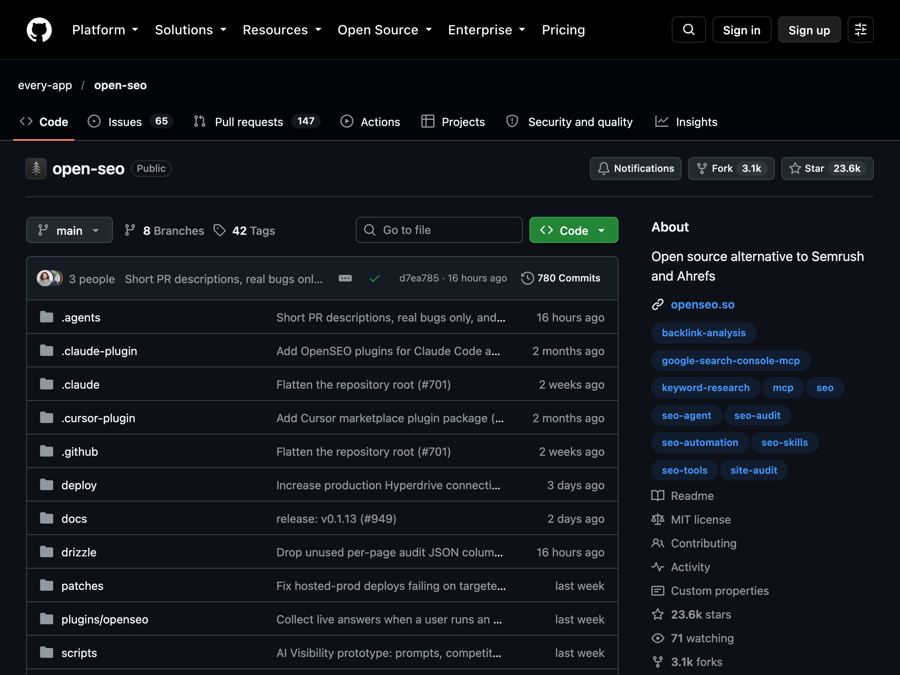
OpenSEO is an open-source alternative to Semrush and Ahrefs for keyword research, rank tracking and site audits, where you pay only for what you use.