OpenReel: a free video editor in your browser, no watermark
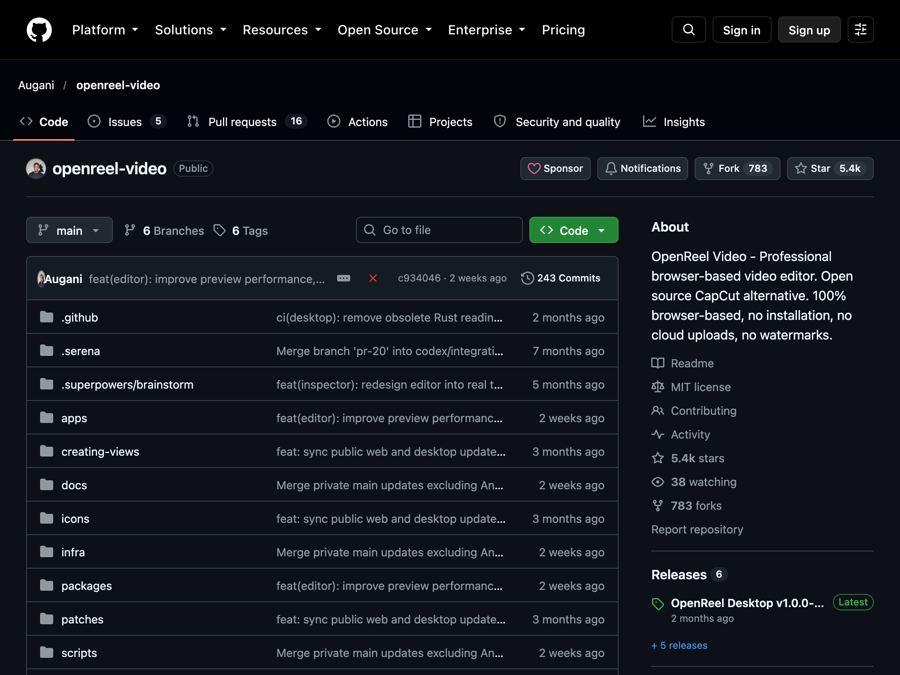
OpenReel is a free, open-source video editor that runs in your web browser and exports your videos with no watermark.
The problem it solves
You film a great clip. You want to trim it, add captions, and drop in some music. Then the editing app hits you with a choice. Pay up, or get a big watermark stamped on your video.
Many popular phone and desktop editors work this way. The good features sit behind a monthly fee. If you post often, that cost never stops.
OpenReel offers a different deal. It is a full video editor, it is free, and there is no watermark on your finished video.
What it is
OpenReel Video is an open-source video editor. Open source means the code is public, so anyone can read it or improve it.
The main version runs right in your web browser. There is nothing to install. You open the website, start a project, and edit. There are also desktop apps for Mac, Windows, and Linux, but those are still in alpha (an early test version).
The editing happens on your own device. The README says you can import, cut, preview, and export your videos without uploading them to a server.
Who it's for
- Content creators making short clips for social media.
- Small business owners making quick promo or product videos.
- Marketers who need captioned videos in different shapes.
- Teachers recording tutorials or lessons.
- Students working on video projects.
- Anyone who wants a real editor without a monthly bill.
What you can do with it
- Cut and trim. Trim, split, crop, rearrange clips, and change playback speed. Ripple delete closes the gap when you remove a piece.
- Stack layers. Put video, audio, text, and graphics on separate tracks.
- Add motion. Use transitions, and animate things with keyframes (points that tell an item where to move and when).
- Add captions. Create and style captions, import SRT subtitle files, and add animated titles.
- Fix the sound. Mix music and voice, see sound waves, adjust volume, add fades, and use audio ducking (music gets quieter when someone talks).
- Color your video. Use color wheels, curves, and LUTs (ready-made color looks). Add effects, masks, and green-screen removal.
- Fit any platform. Work in landscape, portrait, or square.
- Export your way. MP4 for social posts, WebM for the web, and resolution presets up to 4K. The desktop app adds ProRes, a pro format for further editing.
- Never lose work. Autosave plus undo and redo. You can also export project files as backups.
- Get optional AI help. Type what you want in the AI Editor panel, like "trim this clip" or "add a title," and it does the edit. You connect your own AI account for this.
How to start, step by step
You need a computer and an up-to-date web browser. The README suggests Chrome or Edge as a good starting point.
- Go to openreel.video and create a new project. No install, no account needed to start.
- Import your videos, photos, and music.
- Drag your clips onto the timeline (the strip where you arrange your video).
- Shape your edit. Add cuts, captions, music, color, and transitions.
- Export your video using a preset, or pick your own settings.
Prefer an app? Download a Mac, Windows, or Linux build from the Releases page on GitHub. Just know these desktop builds are still in alpha.
If you are a developer and want to run your own copy, the README explains how. You need Node.js and pnpm, then:
git clone https://github.com/Augani/openreel-video.git
cd openreel-video
pnpm install
pnpm dev
Good to know
- The editor is free. No watermark on exports.
- AI costs money, maybe. The AI Editor is optional. It uses your own OpenAI, Anthropic, or similar account, and those services may charge you.
- Privacy. Core editing stays on your device. If you turn on AI or other connected services, your data goes to that provider, and their rules apply.
- Back up your work. Your browser can clear its stored data. Keep copies of your project files and your original videos.
- Your computer matters. Which export settings work, and how fast, depends on your browser, memory, and graphics chip. Big 4K projects need a strong computer.
- Desktop is early. The desktop apps are alpha, so expect some rough edges.
- License: MIT. You are free to use it, change it, and even use it for paid client work. Just keep the copyright notice.
The bottom line
OpenReel gives you a real video editor for free, right in your browser, with no watermark. It covers trimming, captions, audio, color, and exports up to 4K. For creators and small teams tired of paying monthly just to remove a logo, it is well worth a try.
Get it: github.com/Augani/openreel-video
Keep reading

PureMac: free up space on your Mac without a subscription
PureMac is a free, open-source Mac cleaner that removes junk, fully uninstalls apps, and never tracks you or tries to scare you.
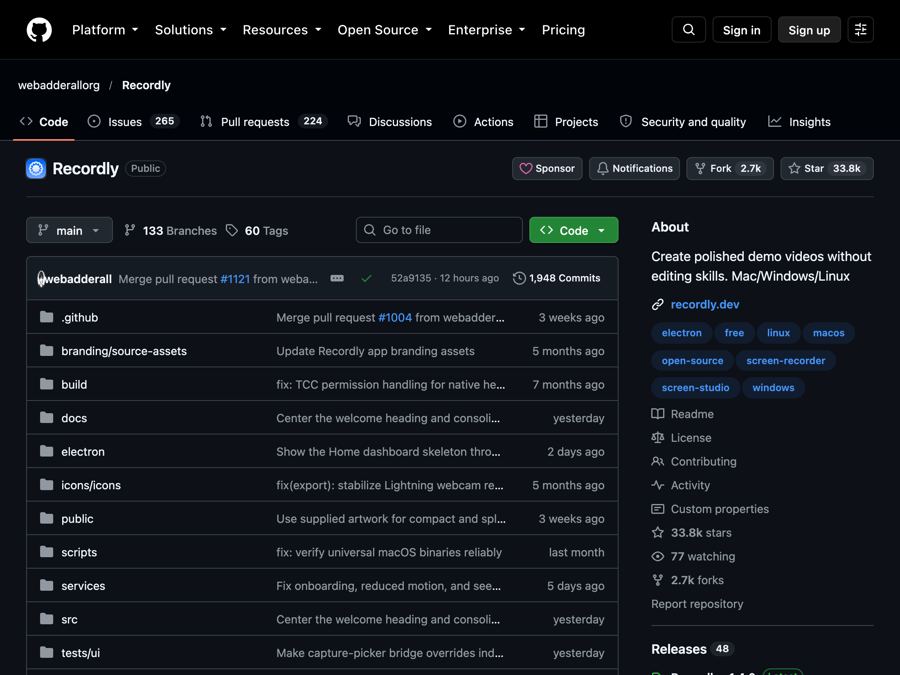
Recordly: make polished screen recordings and demos for free
Recordly is a free screen recorder and editor that adds automatic zooms, a smooth cursor, webcam bubbles and styled backgrounds to your videos.
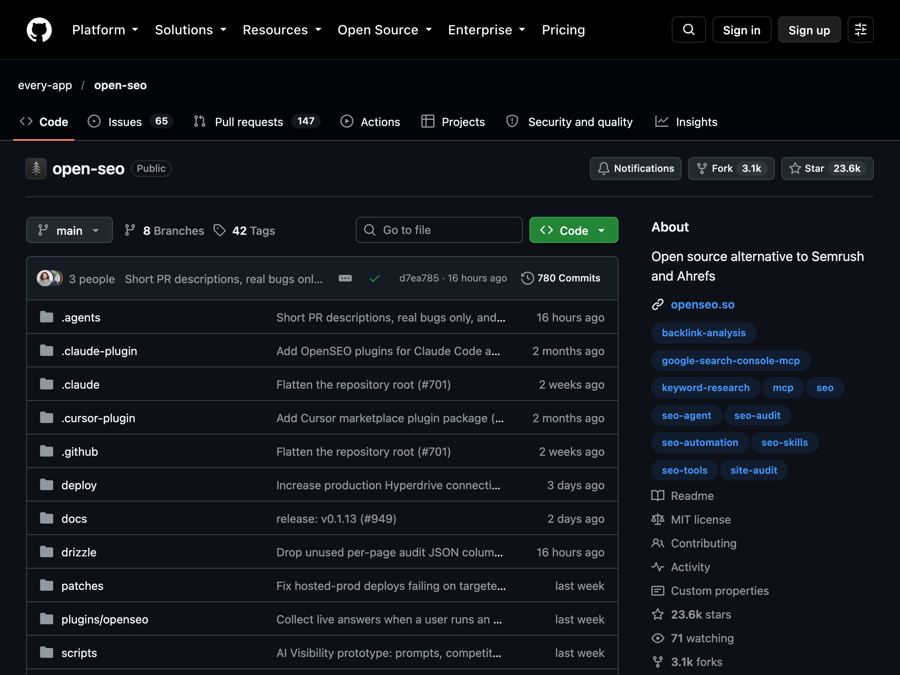
OpenSEO: get found on Google without a big monthly SEO bill
OpenSEO is an open-source alternative to Semrush and Ahrefs for keyword research, rank tracking and site audits, where you pay only for what you use.